A stranger scrolling through Google Maps can decide whether to trust your business in just a few seconds. That tiny snippet they read is called a Google Business Profile editorial summary. It’s a short and editor-written description that you can’t directly change, yet it has a powerful impact on your online image.
Editorial summaries matter because they give quick credibility signals. Also, they shape first impressions and influence whether people click your profile. A clear and accurate summary makes your business look reliable and professional. It helps attract more potential customers.
In this blog, we will cover what these summaries are and how they differ from other business information. Also, the ways to report errors and smart tactics to improve their effectiveness.
What Are Google’s Editorial Summaries?
An editorial summary is Google’s short, editor/algorithm-crafted snapshot of a business shown in Maps and Business Profiles. You cannot edit it directly, but it gives users a quick sense of what your business is about.
These summaries can appear in several places:
- Maps Pin Info: the small pop-up that appears when someone clicks your location on Google Maps.
- Knowledge Panel/Business Profile Overview: the main business info box that shows on search results.
- Local Carousel: the row of nearby businesses that appears in local searches.
For better understanding, here are three real examples (anonymized):
- Good Summary: clear, accurate, highlights strengths.
- Inaccurate Summary: contains wrong details or outdated info.
- Neutral Factual Summary: basic, informative, but not persuasive.
Learn how our Local SEO services for GBP optimize GBP categories, reviews, and NAP to influence visibility and the editorial snapshot.
Editorial Summary vs Business Description vs Review Snippets
It’s easy to confuse editorial summaries with other types of business info. Here’s a quick comparison:
| Feature | Editorial Summary | Business Description | Review Snippets / Place Topics |
|---|---|---|---|
| Control | Owner-editable | Algorithmic | |
| Source | Reviews + editorial team + web mentions | Business owner input | Reviews/algorithms |
| Purpose | Snapshot for users | Full description | Highlights from reviews |
| Editability | No | Yes | No direct edit |
Common misconceptions:
- “It’s the same as Business Description” – False. Editorial summaries are written by Google, not the owner.
- “Delete it because it’s negative.” – Google only removes factual errors, not opinions.
- “Can change via API” – The API can retrieve it, but cannot edit it.
Developer note: editorial_summary may be returned by the Google Places API.
How Google Generates Editorial Summaries
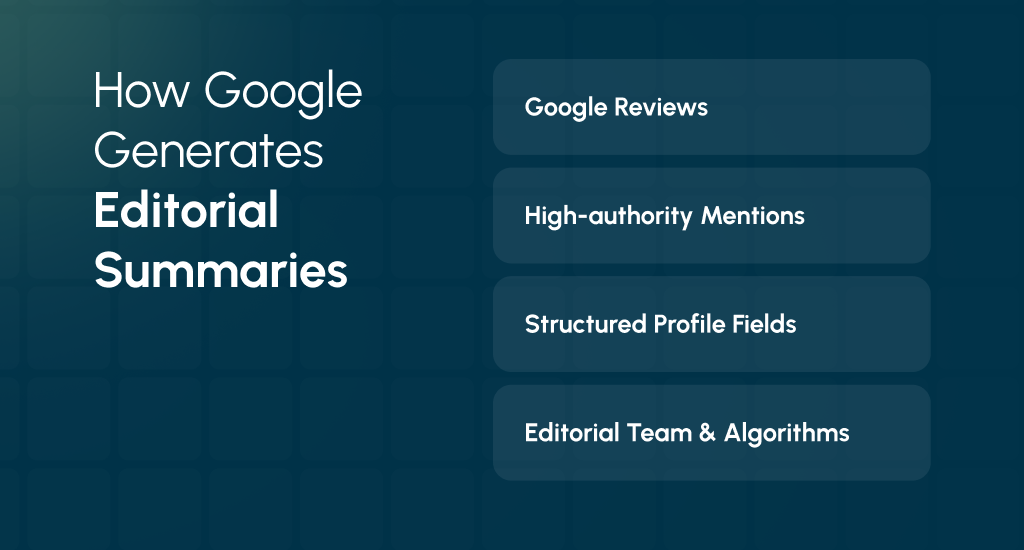
Google creates editorial summaries by combining several sources of information. Some major signals include the following:
- Google Reviews: These are common words and phrases from what customers write.
- High-authority Mentions: Some references from trusted websites like directories, news articles, or Wikipedia. You can earn authoritative mentions and citations from these sites that Google trusts through our authority-building SEO.
- Structured Profile Fields: These are the info you add, like business categories, attributes, or menus.
- Editorial Team & Algorithms: Google’s team and automated systems refine the text to make it readable.
Category Bias
Editorial summaries appear more often for restaurants, hotels, and other consumer-facing businesses. Many B2B or contractor profiles may not have one.
Developer Note
Some versions of the Google Places API return an editorial_summary field. You can monitor it programmatically, but you cannot edit it.
Our team can implement structured data markup and clean technical foundations that feed Google’s knowledge panels and summaries with accurate facts.
Why Businesses Can’t Directly Edit the Editorial Summary
Google does not let business owners directly edit editorial summaries. It is by design. Google wants these summaries to be:
- Neutral: They should provide a fair view of the business, not just what the owner wants users to see.
- Consistent: A standard method ensures all summaries across Google stay similar in format and style.
- Data-driven: Summaries are automatically created using reviews, high-authority mentions, and profile information to reflect the business as seen by the public.
Common Misunderstandings:
“It’s the same as the Business Description” – False. Business descriptions are written by owners, while editorial summaries are written or refined by Google.
“I can change it via the API” – False. The API lets you retrieve the summary, but does not allow edits.
“Delete negative reviews to remove them.” – False. Editorial summaries reflect aggregated signals from reviews and other sources. Removal of abusive reviews may improve the tone slightly, but there is no guaranteed effect.
Even though you cannot edit the summary directly, you can still influence it indirectly. An accurate profile and professional replies to reviews build trust. Requests for feedback help Google create a better and more positive summary over time.
When It’s Appropriate to Request a Change
You can’t request changes just because you want them to sound better. Google will only act on certain valid reasons. These could include the following:
- Factual Inaccuracies: For example, if the summary lists the wrong type of business, the wrong cuisine, an incorrect address, says your business is closed when it’s open, or mentions a service you never offered.
- Misattribution: If the summary clearly talks about another business or duplicates another listing by mistake.
- Spam or Abusive Content: Any text that violates Google’s policies, like offensive language or misleading claims.
What Google will not act on:
- Tone or style you dislike.
- Desire for promotional marketing language.
- Negative sentiment from many legitimate reviews, even if you don’t like it.
Google will only edit editorial summaries when there are clear errors or policy violations. Otherwise, your best approach is to improve your business information and gather positive reviews to influence the summary indirectly.
Step-by-Step: How to Request Google Change an Editorial Summary
Sometimes, Google’s editorial summary may have mistakes or misrepresent your business. While you cannot edit it directly, you can request a change if you have valid evidence.
The process takes time and careful preparation, but following these steps increases the chances of Google reviewing your request.
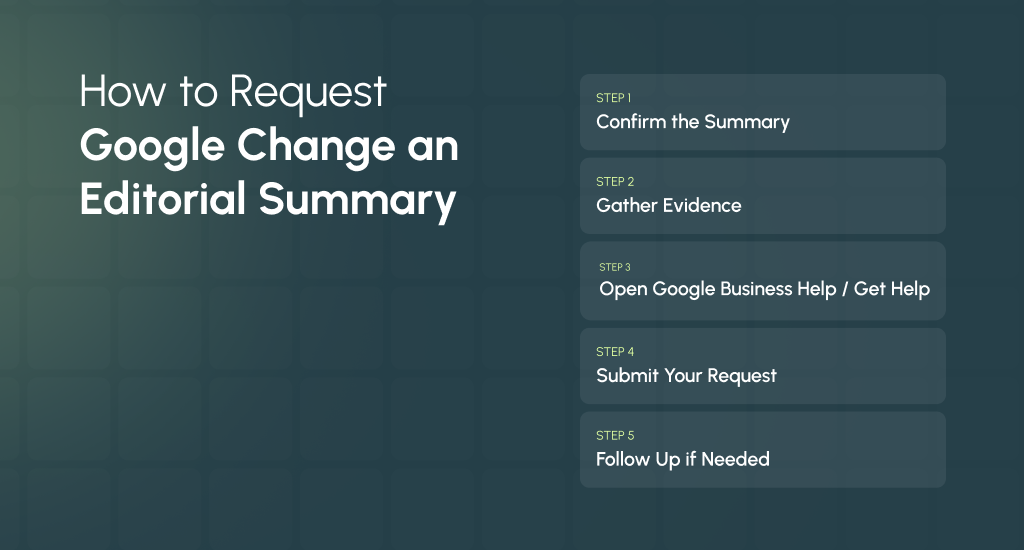
Step 1: Confirm the Summary
Before submitting anything, you should make sure the text you want to change is actually an editorial summary, not the editable Business Description.
Editorial summaries are created by Google’s team and algorithms, so requests for Business Descriptions will not work. You should check where it appears, Maps pin info, Knowledge Panel, or Local carousel, to verify it is the correct type.
Step 2: Gather Evidence
You need strong proof to support your request. Take a screenshot of the editorial summary with a visible timestamp. You should collect links to authoritative sources like your official website, menu, licensing, or press articles.
Save copies or screenshots of service pages, menus, or regulatory filings that clearly demonstrate the correct information. The more accurate and verifiable evidence you provide, the higher the chances Google will review your request.
Step 3: Open Google Business Help / Get Help
Go to the Google Business Profile Help page and look for “Report incorrect editorial summary”. If that option isn’t visible, use the Business Profile support contact form. Official channels ensure your request reaches the team responsible for editorial review.
Step 4: Submit Your Request
When submitting, you should include all your evidence, a brief explanation, your relationship to the business, and the Place ID or full Google Business Profile URL.
Try to be clear and concise. You should focus on factual inaccuracies, duplication, or policy violations. Avoid adding marketing language or subjective opinions, as these are not valid reasons for changes.
Step 5: Follow Up if Needed
After submission, Google may reach out for clarification or additional information. There’s no guaranteed acceptance, and it may take time for your request to be reviewed. You should stay patient and respond promptly if Google asks for more details. Keep in mind, timely communication can help the review process move forward.
You can also reach out to us if you need GBP support & escalation help to prepare evidence and submit it to Google. Our consultants guide GBP correction requests end-to-end.
What to Include in Your Support Request
When requesting a change to an editorial summary, including all the right details is important. Google needs clear, factual information and evidence to consider your request. Missing details or vague explanations can delay or prevent a review. Below is a detailed list of what to include:
A. Full Business Info
Provide your full business name and either the Google Business Profile (GBP) URL or Place ID. It ensures Google identifies the correct listing without confusion.
B. Exact Editorial Summary Text
Copy and paste the exact text of the editorial summary as it currently appears. It helps Google see precisely what needs correction.
C. One-Line Statement of Factual Error
You should write a short statement describing the mistake in one sentence. Focus only on factual inaccuracies, not opinion or tone.
D. Evidence List
You can include URLs, screenshots, timestamped images, and official documents that prove the error. Evidence can include your website, licensing info, menus, press mentions, or other authoritative sources.
E. Suggested Factual Correction
Try to provide a single sentence with the correct information. You should avoid marketing language or promotional wording and stick to clear facts.
F. Contact & Relationship
Clearly state your name, title, contact info, and your relationship to the business (owner, manager, or authorized representative).
G. Attachments
You should attach supporting files like screenshots, menu PDFs, press coverage, or licensing documents to strengthen your request.
H. Pasteable Support Template
You can copy and paste this directly into Google’s support form or email:
Subject: Correction request – Editorial summary has factual error (Business Name / Place ID)
Hello – I’m the [owner/manager/authorized representative] for [Business Name], located at [Full address]. The editorial summary currently visible on our Google Business Profile states:
“[paste exact editorial summary text here]”
This contains an incorrect factual statement: [one-sentence description of the error – e.g., “It says we serve ‘Mediterranean cuisine’ but we are a vegan bakery and have never offered Mediterranean dishes.”]
Evidence:
– Official website page showing current menu/services: [URL]
– Screenshot of our menu with timestamp (attached)
– Third-party listing/press/license that supports the corrected fact: [URL(s)]
Suggested factual correction (non-promotional):
“[one-sentence factual wording – avoid promotional language]”
Please let me know if you need further documentation. Thank you for reviewing this.
– [Full name, title, contact email/phone]
How to Influence What Google Writes (Indirect Control & Practical Tactics)
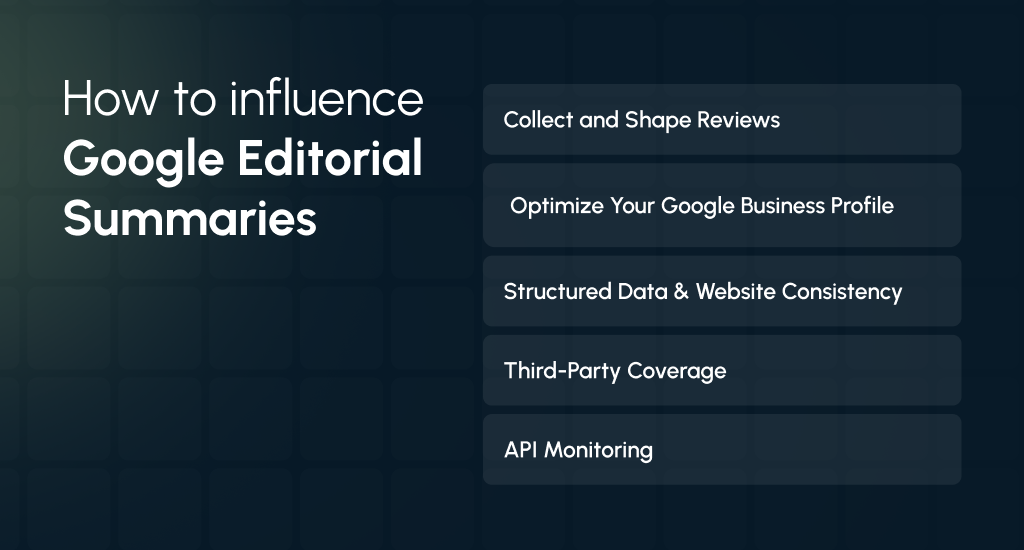
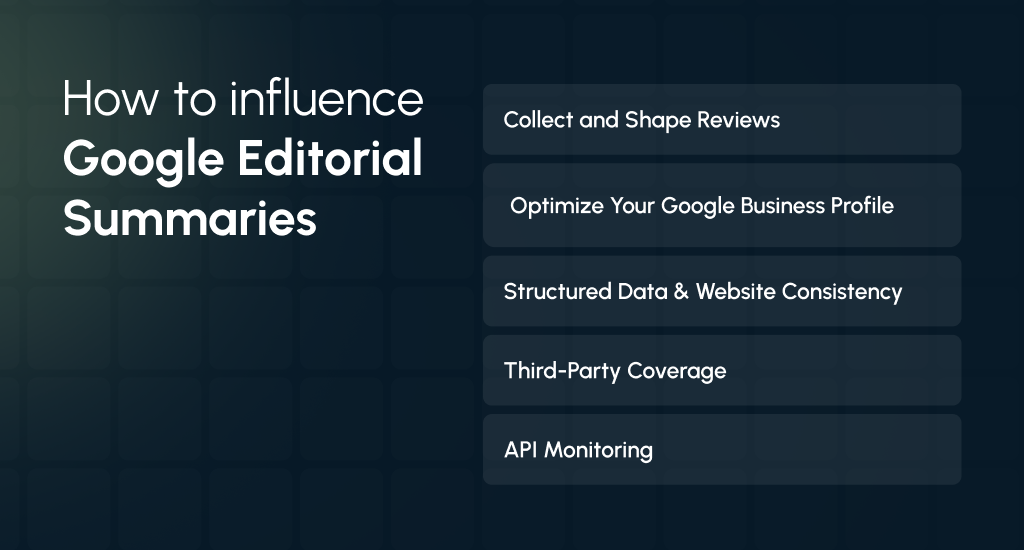
While you cannot directly edit an editorial summary, you can influence it indirectly. Google uses reviews, profile info, website data, and authoritative mentions to generate the text. Here’s how to guide it properly:
1. Collect and Shape Reviews
Encourage customers to mention specific services or products in their reviews naturally. For example, “Our gluten-free pastries are amazing” or “They catered 50 people for our event.”
You can use follow-up emails or prompts to encourage factual mentions, but you should avoid scripted marketing lines. Also, you can flag spam or abusive reviews to prevent them from affecting the summary.
2. Optimize Your Google Business Profile
Fill in all categories, services, menu items, attributes, and Q&A sections accurately and completely. You should keep your Business Description factual and updated, even though this is owner-controlled. It really helps Google’s system generate better summaries.
3. Structured Data & Website Consistency
Add clean Schema.org markup like LocalBusiness, menu, service entries, and aggregateRating. You should make sure your NAP (name, address, phone) is consistent across your website and online listings. It helps Google verify accurate information.
4. Third-Party Coverage
You should maintain consistent descriptions on high-authority directories like Yelp, TripAdvisor, and industry-specific sites. Earning press coverage or authoritative pages with factual language gives Google reliable sources to reference.
5. API Monitoring
If you use the Places API, the editorial_summary field can help you monitor changes programmatically. It lets you catch mismatches between the Maps interface and API data. Also, it helps with audits or tracking improvements.
Developer & Technical Notes for Editorial Summaries
The Google Places API may return an editorial_summary field in some responses. It can be useful for programmatically monitoring your business profile to track changes over time or detect errors.
- Important: Accessing the API does not let you edit the editorial summary. It is strictly for viewing and monitoring purposes.
- Suggested Use Case: You can build an automated monitoring system that alerts you if the editorial summary contains incorrect information, outdated details, or undesirable phrases. It helps you stay informed and take action through proper reporting channels.
What to Expect After You Report an Editorial Summary
After you submit a request, Google will review your submission. They may contact you for clarification or additional evidence if needed.
There is no guaranteed outcome, and Google may take different actions:
- Correct the factual error if it meets their criteria.
- Leave the summary unchanged if they determine it is accurate.
- Remove the summary in limited cases, like policy violations or misattribution.
- Replace it with a different summary generated from aggregated signals like reviews, website mentions, and profile data.
Follow-up guidance: You should check the profile after 2 to 4 weeks. Only resubmit if you have new evidence or updated documentation to support your request.
Common Misunderstandings & Myths About Editorial Summaries
Many business owners misunderstand how Google’s editorial summaries work. Because these summaries are created or refined by Google, not by the business owner, it’s easy to assume you can directly control or instantly change them.
It often results in frustration and incorrect assumptions about how to improve or fix the summary. Official channels ensure your request reaches the team responsible for editorial review.
Common myths:
- “I can force Google to use my marketing text” – ❌ False. Editorial summaries are generated from reviews, web mentions, and structured data. Promotional text won’t be applied.
- “One review change will immediately flip the summary” – ❌ Unlikely. Google uses aggregated signals from many reviews and sources to produce the summary.
- “If I remove negative reviews, the summary will be removed” – ❌ Not necessarily. Summaries reflect a broad picture of the business; removing a few reviews rarely has an immediate effect.
- “The API lets me edit the summary” – ❌ Incorrect. The API only lets you retrieve the editorial summary, not modify it.
You should separate facts from myths first. Then focus on simple steps. Improve your profile accuracy and try to ask for honest reviews. Also, keep your online details consistent, so Google shows the right summary.
Monitoring & Remediation Checklist
You should watch your editorial summary to catch errors and guide Google’s automated content. You can follow this simple checklist:
- Weekly: Check your Google Business Profile. If you use it, you should check the Places API editorial_summary field for any changes.
- Monthly: Review new customer reviews. You should look for recurring phrases or descriptions that may be highlighted in the editorial summary.
- Quarterly: You can audit your website’s Schema.org markup and high-authority directory listings to ensure consistency and accuracy.
- Immediately: If you spot a factual error, you should gather supporting evidence (screenshots, documents, URLs) and submit a support request to Google promptly.
This routine can keep your profile accurate and reduce the risk of misleading editorial summaries.
Conclusion
Editorial summaries give users a quick, Google-generated snapshot of your business. You cannot edit them directly, but you can guide Google’s content. Keep your profile accurate, collect factual reviews, maintain consistent website data, and get more authoritative mentions.
You should monitor summaries regularly, report errors when needed, and use indirect tactics to improve how your business appears online. With careful attention, Google can showcase your asset in the best possible way.